Now you will be presented with a Summary of the information you provided to CBM Prg Studio. This includes the machine you will be using (C 64 – Commodore 64), the name of your project:Simple Sprite, The Executable file:simple sprite.prg, the Start Address: C64 ($0801), the Location: C:\C64, and a Comments section. The Start Address is defaulted to Win VICE C64 at hex $0801 – which is the Start of where the emulator loads the code into.
Clicking on the Create Button will finally exit the dialog box and place us back to the default CBM Prg Studio. You will now notice however that the Project Explorer window.
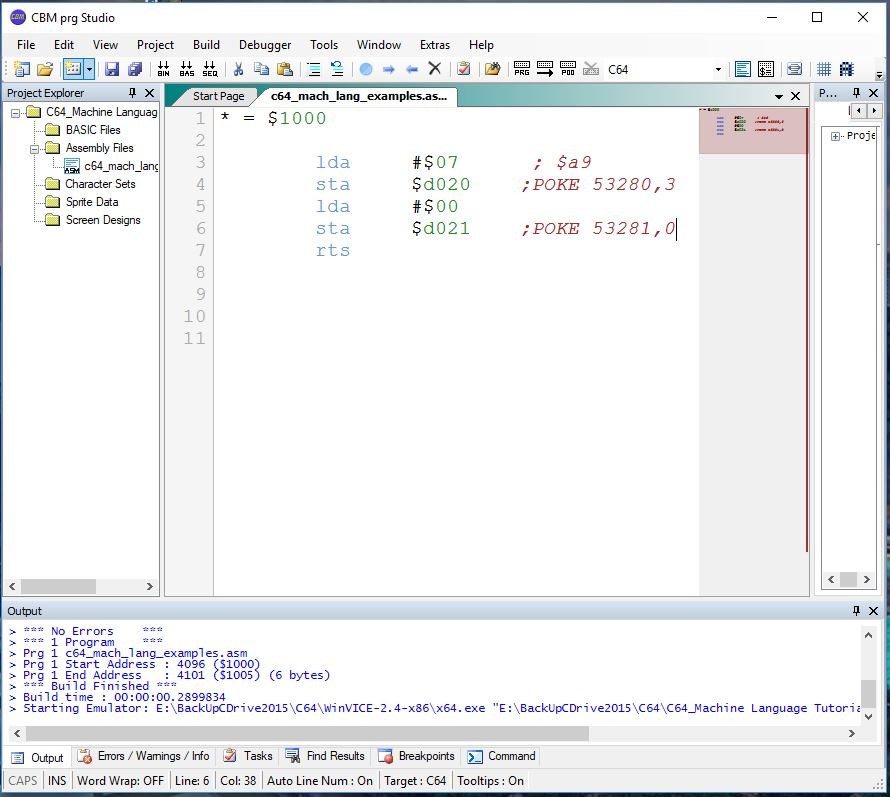

 Next enter a name for the project. For the example we will use



Leave A Comment